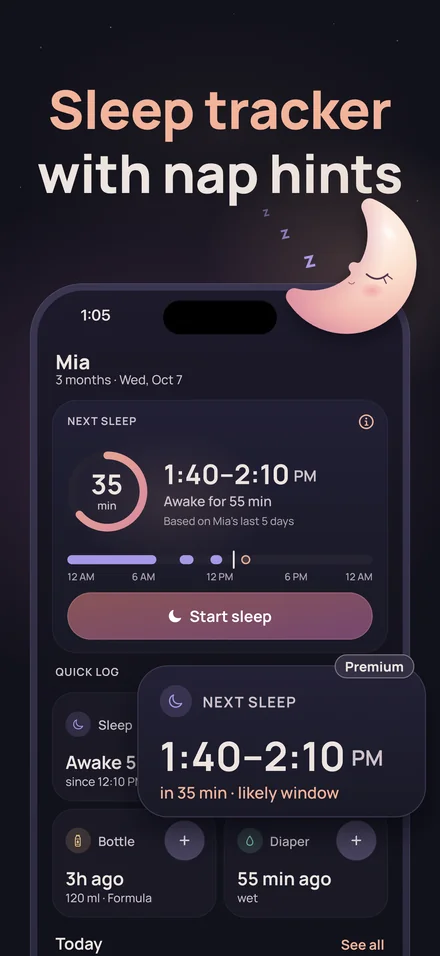
A hint for the next nap
From 8 weeks, get a next-sleep hint based on age and recent sleep logs. During a daytime nap, see a likely wake-up range instead. Set a reminder beforehand, with quiet hours. A hint is a guide, never a guarantee.
Feeds, naps and diaper changes, gently kept in one baby tracker. Keep track of the everyday moments, even in the middle of the night.

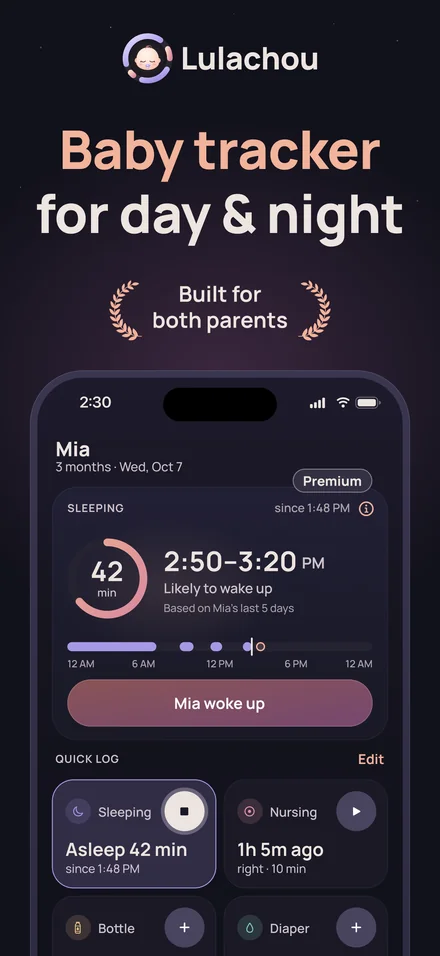
Start with a feed, a nap or a diaper change. No account to create.
Start a sleep or nursing timer. Add a bottle or diaper change from Today.
Add a note to any entry. Edit a record when you need to.
Today keeps the last feed, last side used and time since waking together with your daily totals.
Wake windows, sleep and feeding, explained step by step.
Find baby wake windows by age from newborn to 12 months.
How much babies sleep from newborn to 12 months, and how naps change.
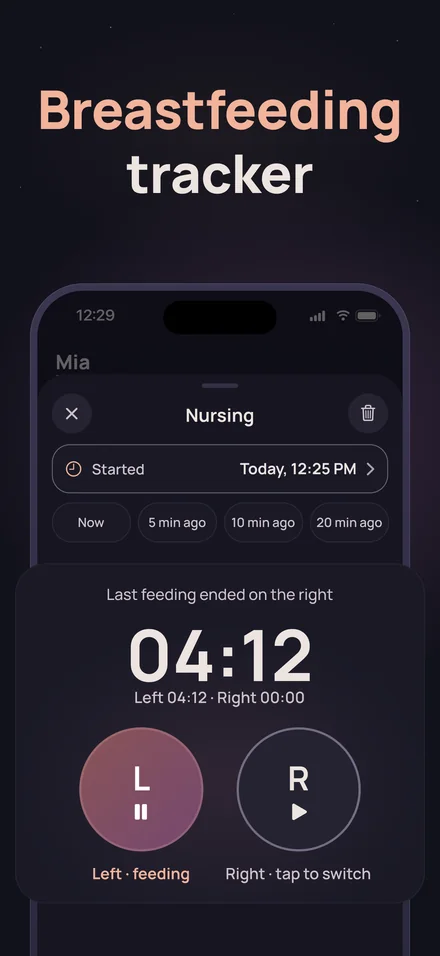
Time nursing on each side and see which side your baby finished on.
How long a 3-month-old stays awake between naps, with a four-nap example day.
See a wake window range for 4 months and how it fits into a day with three naps.
Keep daily care, sleep hints and your shared journal together.
From 8 weeks, get a next-sleep hint based on age and recent sleep logs. During a daytime nap, see a likely wake-up range instead. Set a reminder beforehand, with quiet hours. A hint is a guide, never a guarantee.
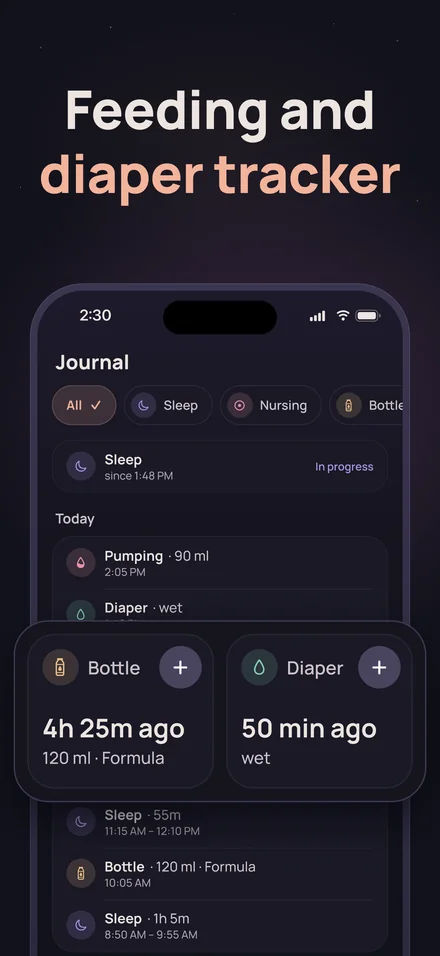
Log bottles and diaper changes, then find them alongside feeds, pumping and sleep in your journal. Today keeps the last feed, last side used and daily totals together.
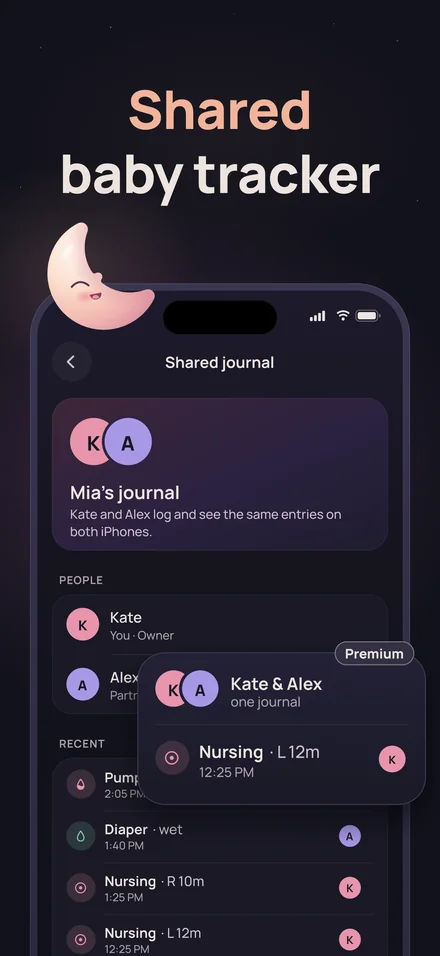
You and one partner can see and add to the same journal.
Look back at sleep and feeding with weekly and monthly summaries and charts.
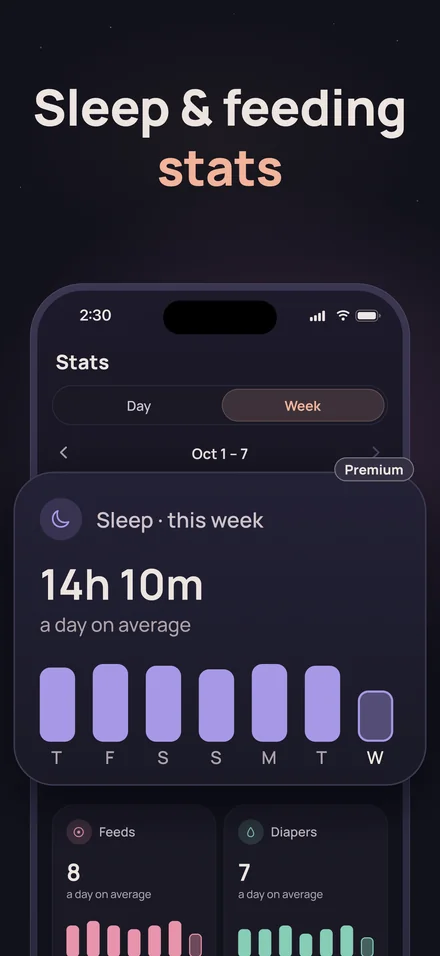
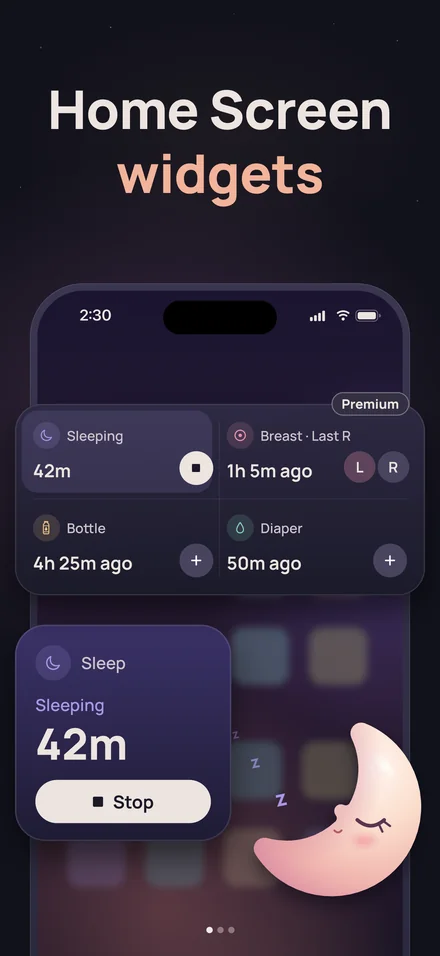
See sleep status and recent entries with Home Screen widgets. Start a sleep timer or log a feed from widgets and Control Center. You can always stop a running timer.
Time nursing on each side, pause when you need to and see which side you finished on. Add a note or edit the entry whenever you need to.
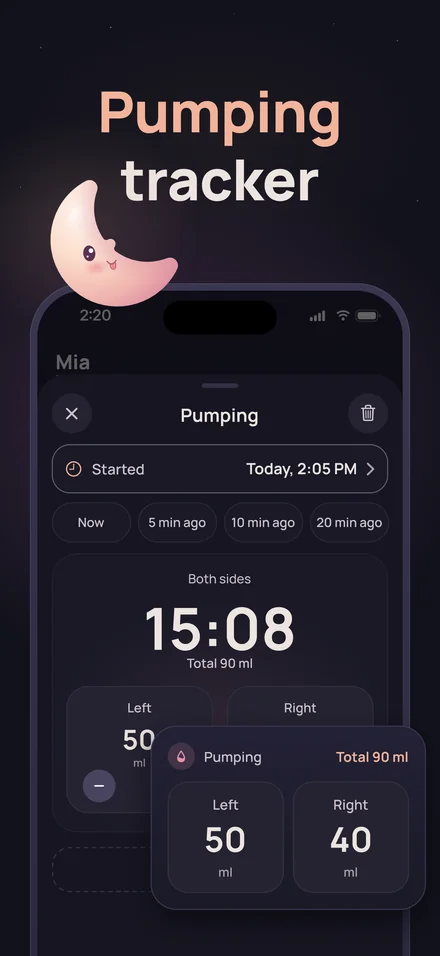
Keep a pumping timer and record the amount from each side. Save the total in the same journal as the rest of your baby’s day.
Daily logging, your journal and your own iCloud backup.
Log solids, temperature, medicines, symptoms, height and weight alongside sleep, feeds, pumping and diapers.
Look back through your journal. Add a note, edit an entry or delete one.
A dark theme, with no account to create. Sync your own devices and back up your journal in iCloud when you change phones.
Log feeds, sleep, pumping, diapers and other daily care. Add notes and edit entries in your journal.
Yes. You and one partner can see and add to the same journal.
From 8 weeks. The hint uses age and recent sleep logs. During a daytime nap, a likely wake-up range appears instead. A hint is a guide, never a guarantee.
No account is needed. Lulachou uses iCloud for your own device sync and backup.
Write to us with any question about Lulachou.
Feeds, sleep and diapers. A little less to keep in your head.